
Step 1 of 4
Download Iron School
Use the buttons below to open the Iron School store page, then download and install the official mobile app on your device.


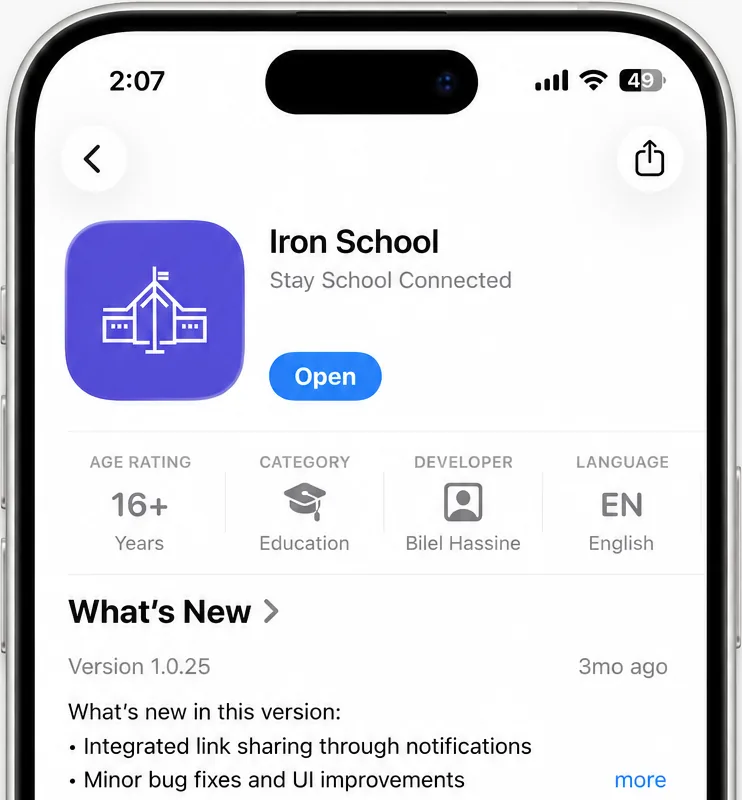
Keep the SMS from your school nearby. Then scroll down this page — each step has a screenshot and short instructions to download Iron School and sign in.
Use the buttons below to open the Iron School store page, then download and install the official mobile app on your device.
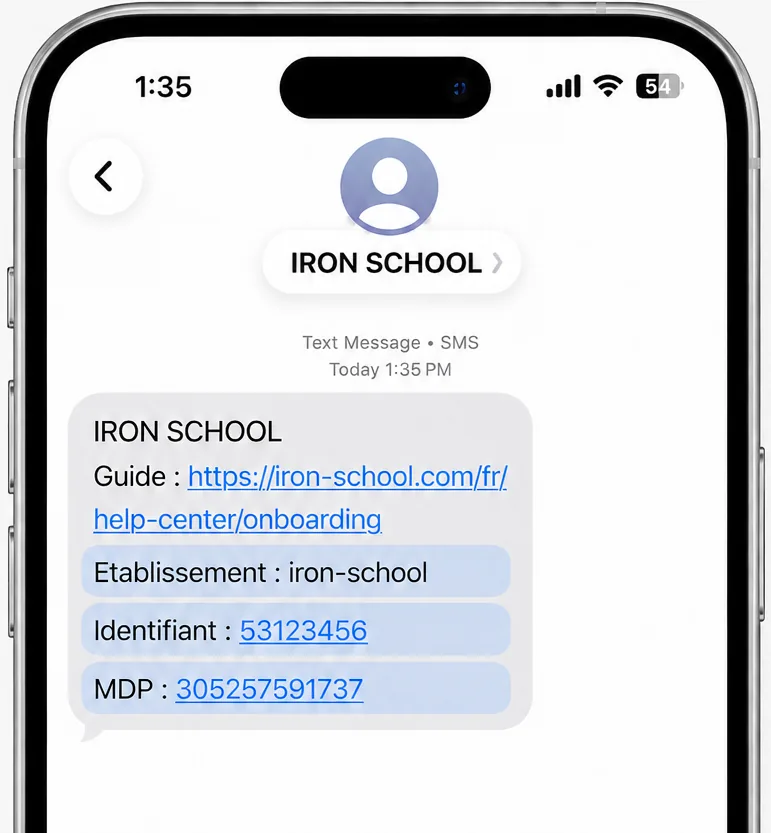
Open the SMS from Iron School and keep it nearby. It contains your guide link, establishment code, username, and password.
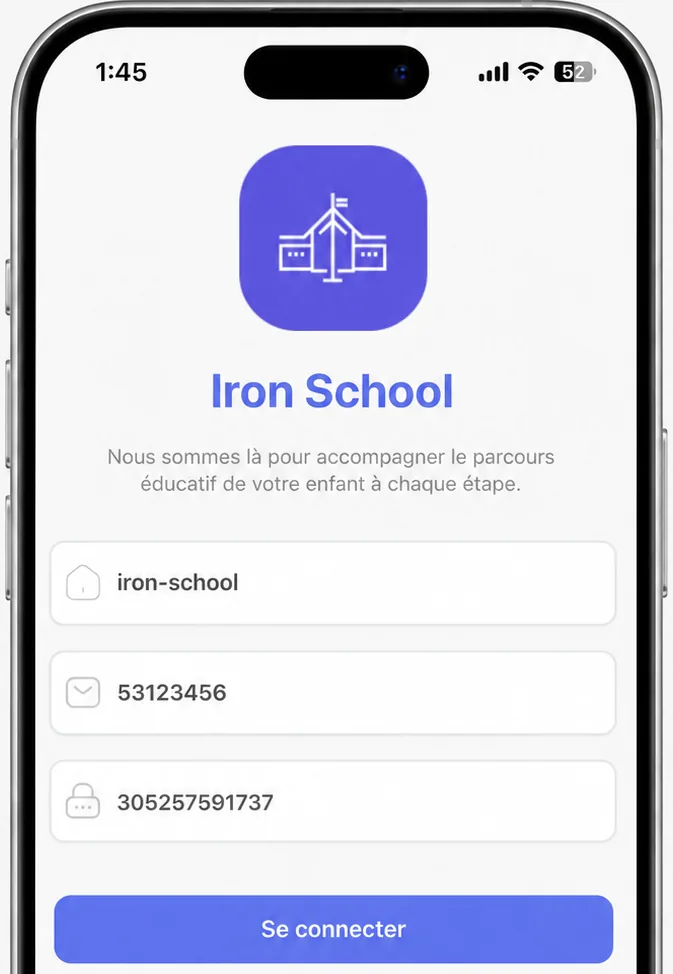
After installation, open Iron School. Copy the establishment code, username, and password exactly as they appear in the SMS, then select Sign in.
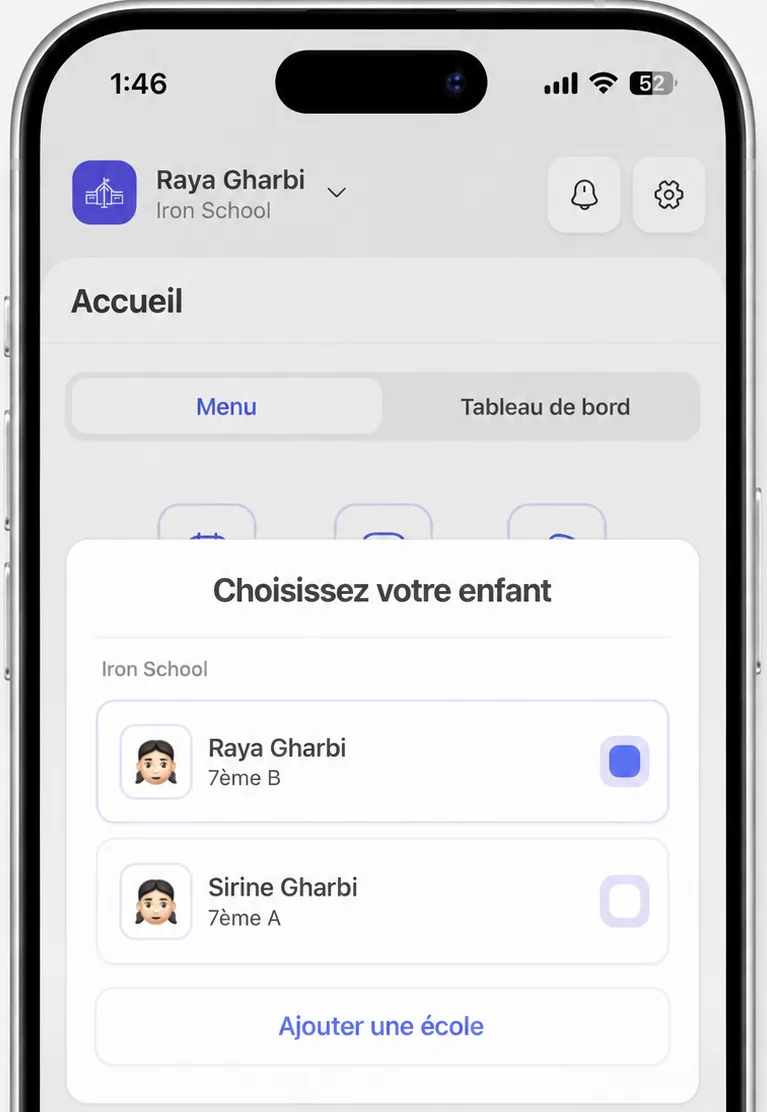
After signing in, the parent home screen gives you access to the schedule, homework, remarks, exams, blocked weeks, grades, notifications, and settings.
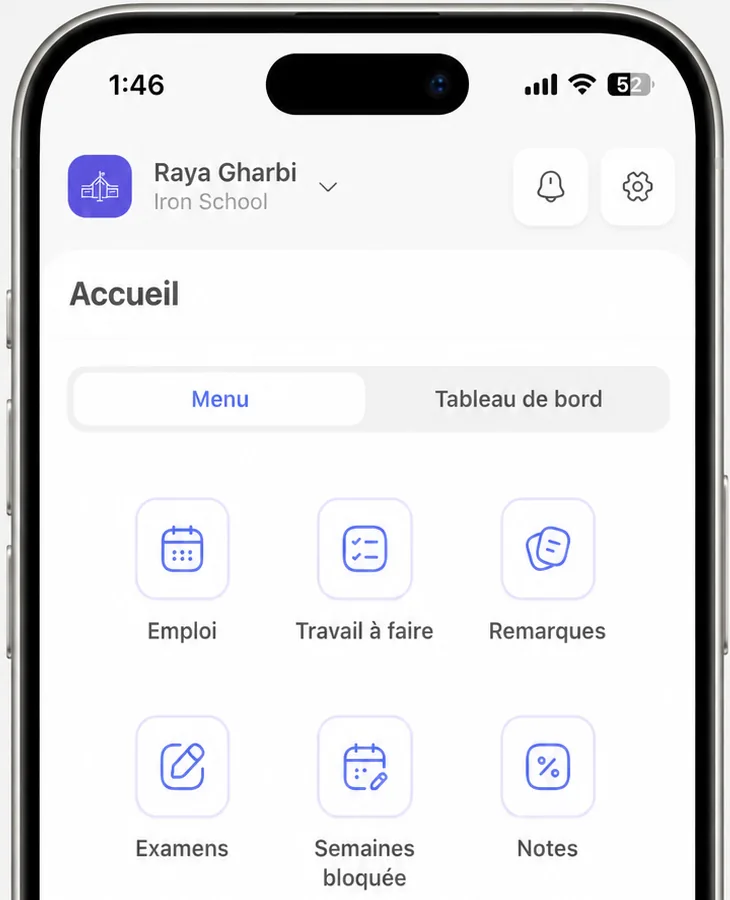
Select your child's name at the top of the home screen, then choose another child from the list to view their information. You can also add another school from this menu.
Download the official app for your device, then use the credentials from your school's SMS.