
Build Your School Timetable for Free
Start in your browser in minutes — no signup, no subscription. Create full school schedules offline on your device, then upgrade to Iron School cloud when your school needs the full platform.
100% free · Works offline · Data stays on your device
Loading video
Everything You Need to Build a Timetable
From empty project to published schedule: configure your school week, place sessions, and review every class, teacher, and room.
Local Offline Workspace
Create and manage timetable projects stored on this device. Switch drafts, rename workspaces, and keep experiments separate from your final schedule.
- Create unlimited local timetable projects
- Rename and switch projects anytime
- Data stays on your device
- Works offline once loaded
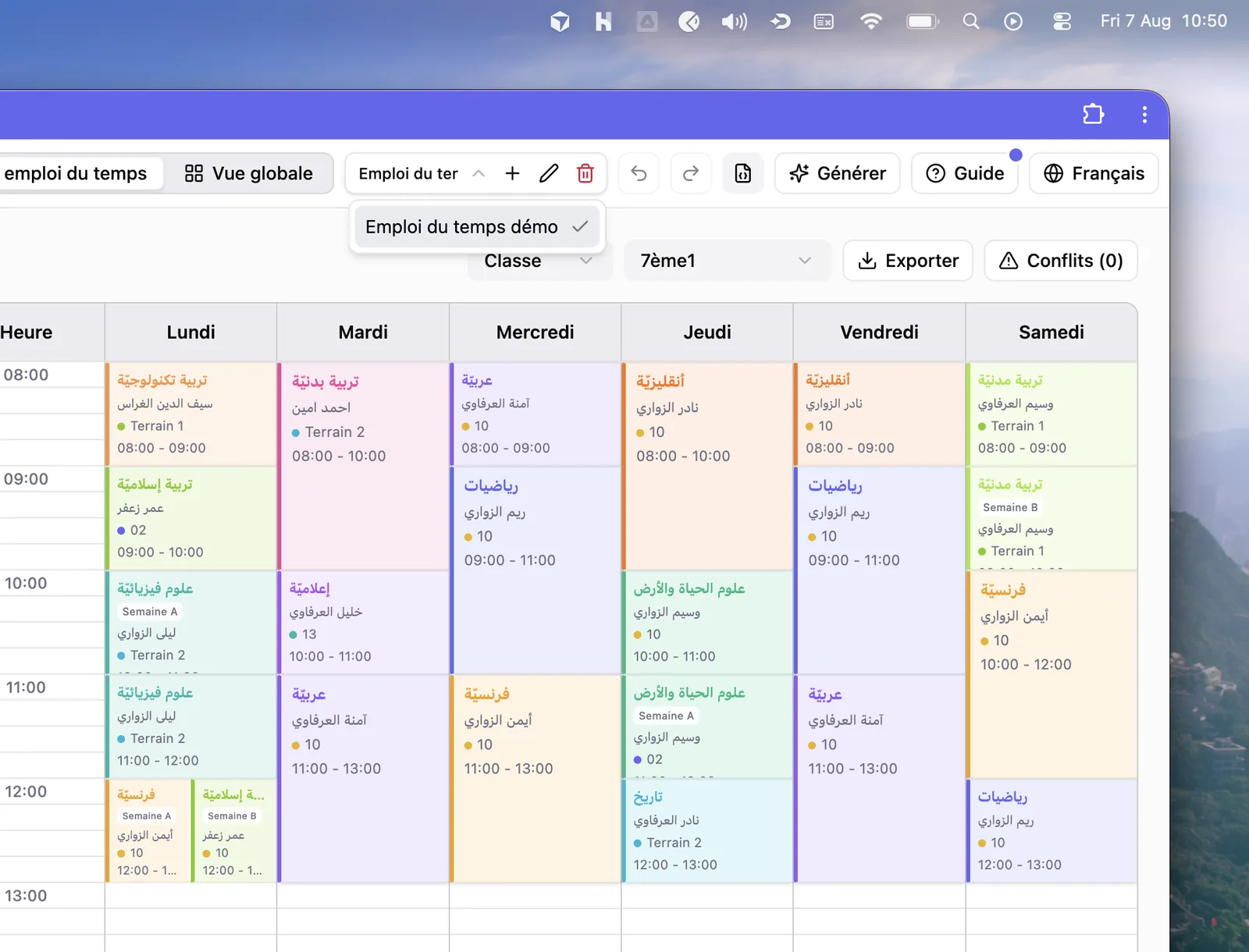
School Structure & Hours
Set working days, school hours, and forbidden times. Then add levels, rooms, and classes that form the skeleton of your schedule.
- Configure day start, end, and time intervals
- Block lunch and other forbidden periods
- Organize levels, rooms, and classes
- Color-code rooms and levels for clarity
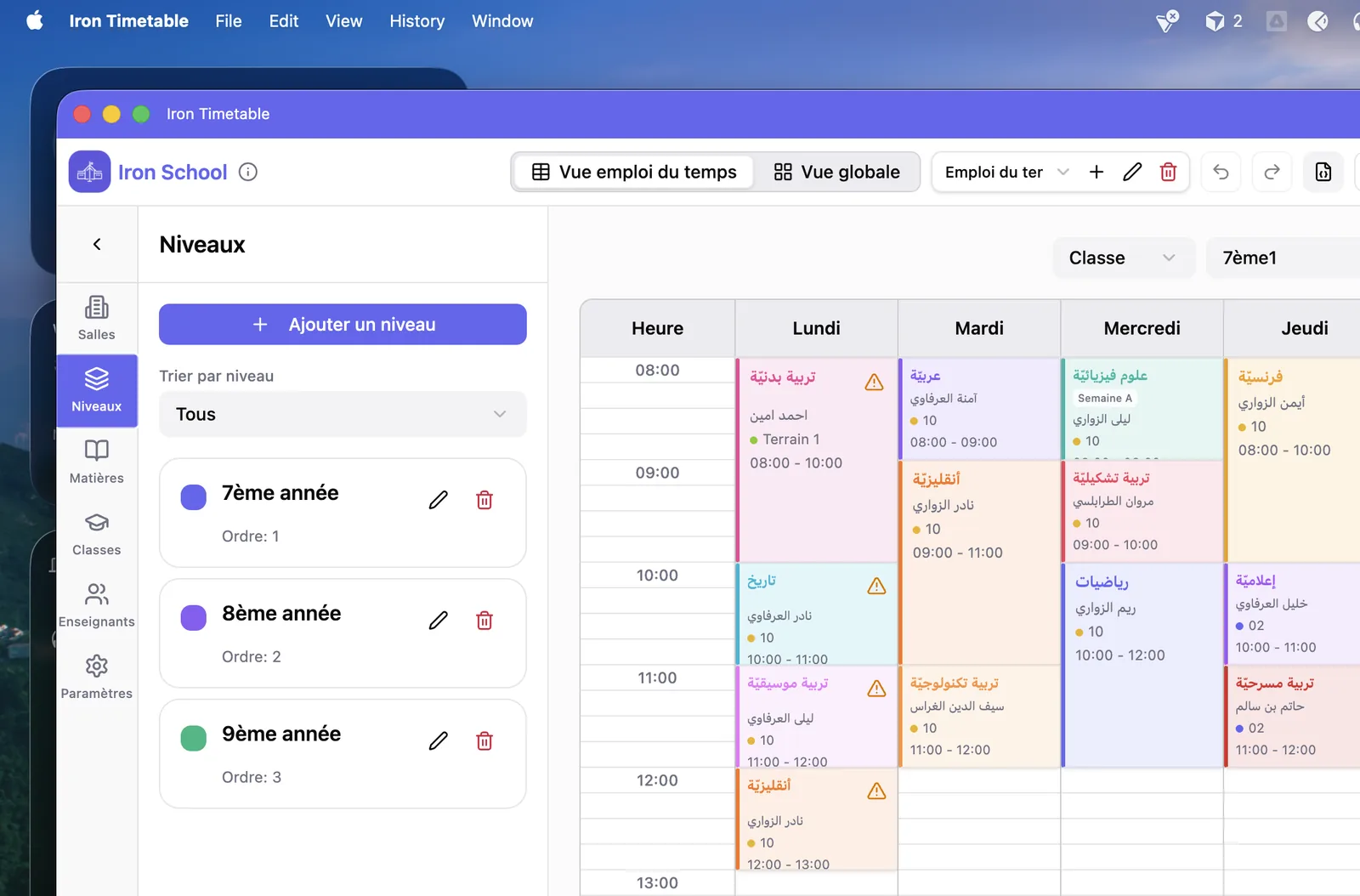
Subjects, Teachers & Assignments
Define required subject sessions, teacher availability, and class–subject assignments so every lesson has a teacher and a place to land.
- Define subject sessions and durations
- Set teacher unavailability windows
- Assign teachers to class–subject pairs
- Optional room preferences and constraints
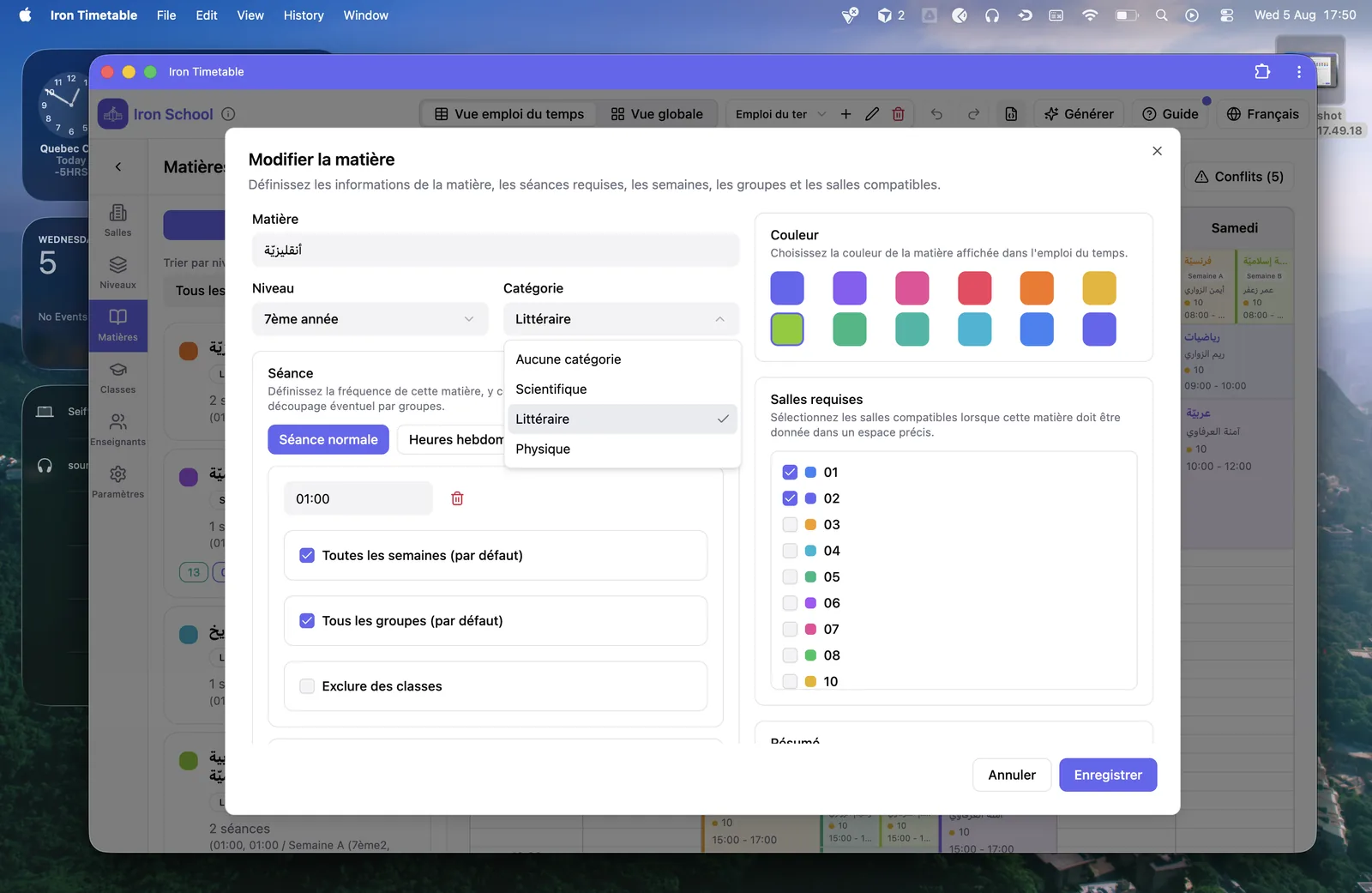
Automatic Timetable Generation
Let the built-in solver place sessions while respecting hard constraints. Review scores, placed sessions, and anything left unplaced.
- One-click generation from your configured data
- Constraint-aware placement for classes, teachers, and rooms
- Background workers keep the UI responsive
- Clear summary of placed and unplaced sessions
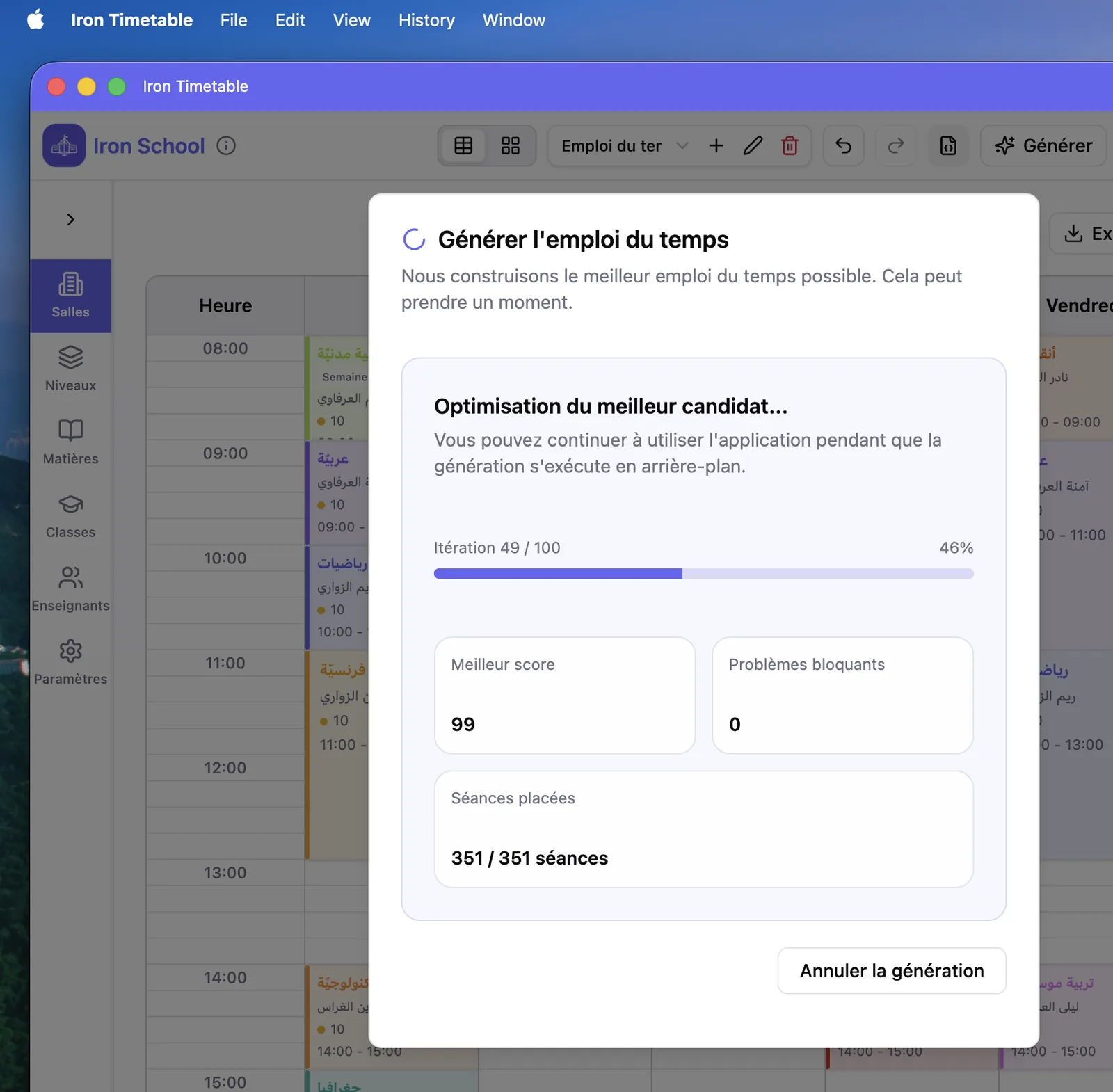
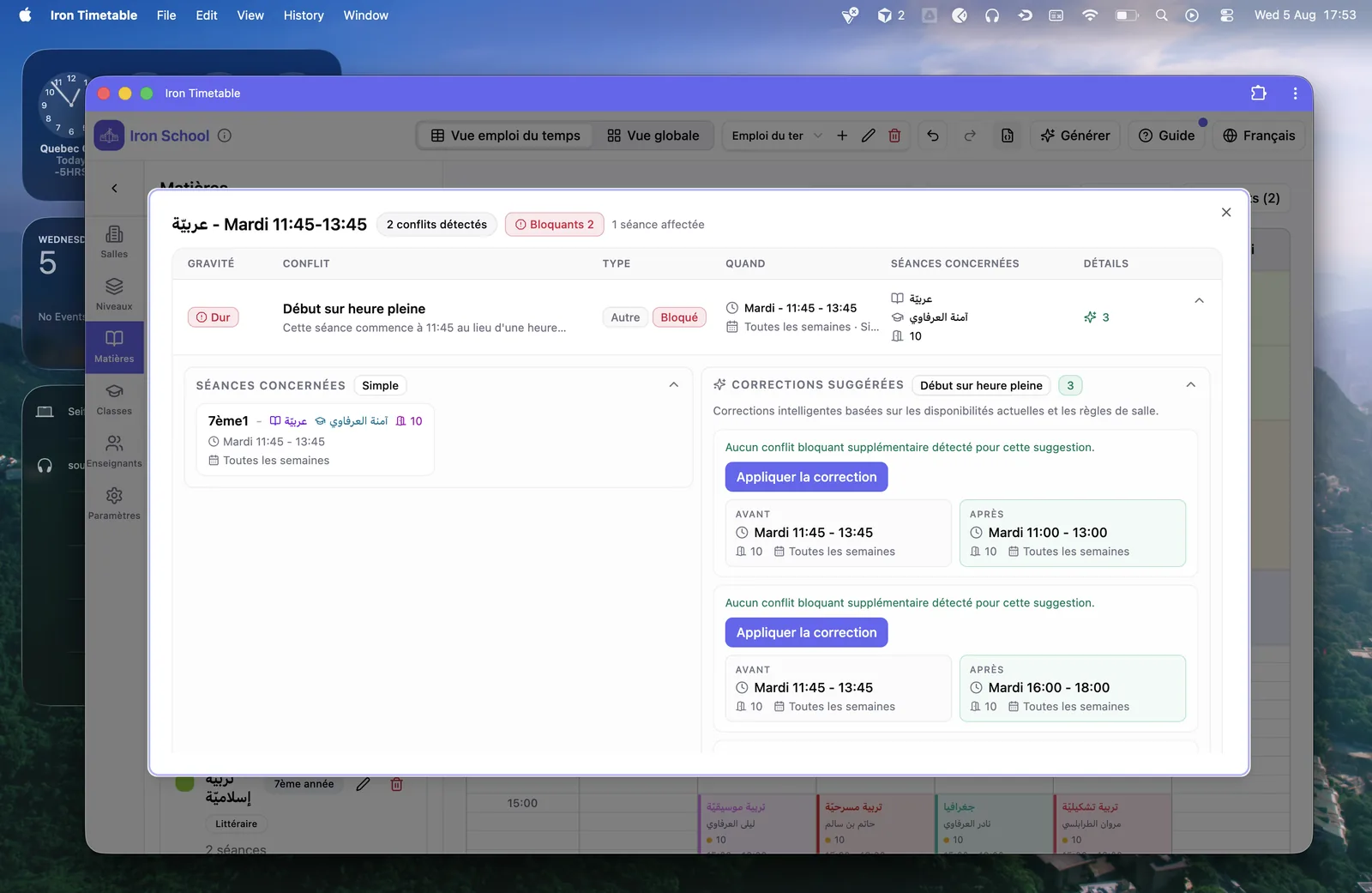
Manual Editing & Conflict Fixing
Drag sessions, resize slots, and resolve conflicts. Unplaced session panels show what is still missing and what is blocking it.
- Drag and drop sessions on the weekly grid
- Create and edit slots from class view
- Conflict indicators on hard clashes
- Undo and redo for safe adjustments
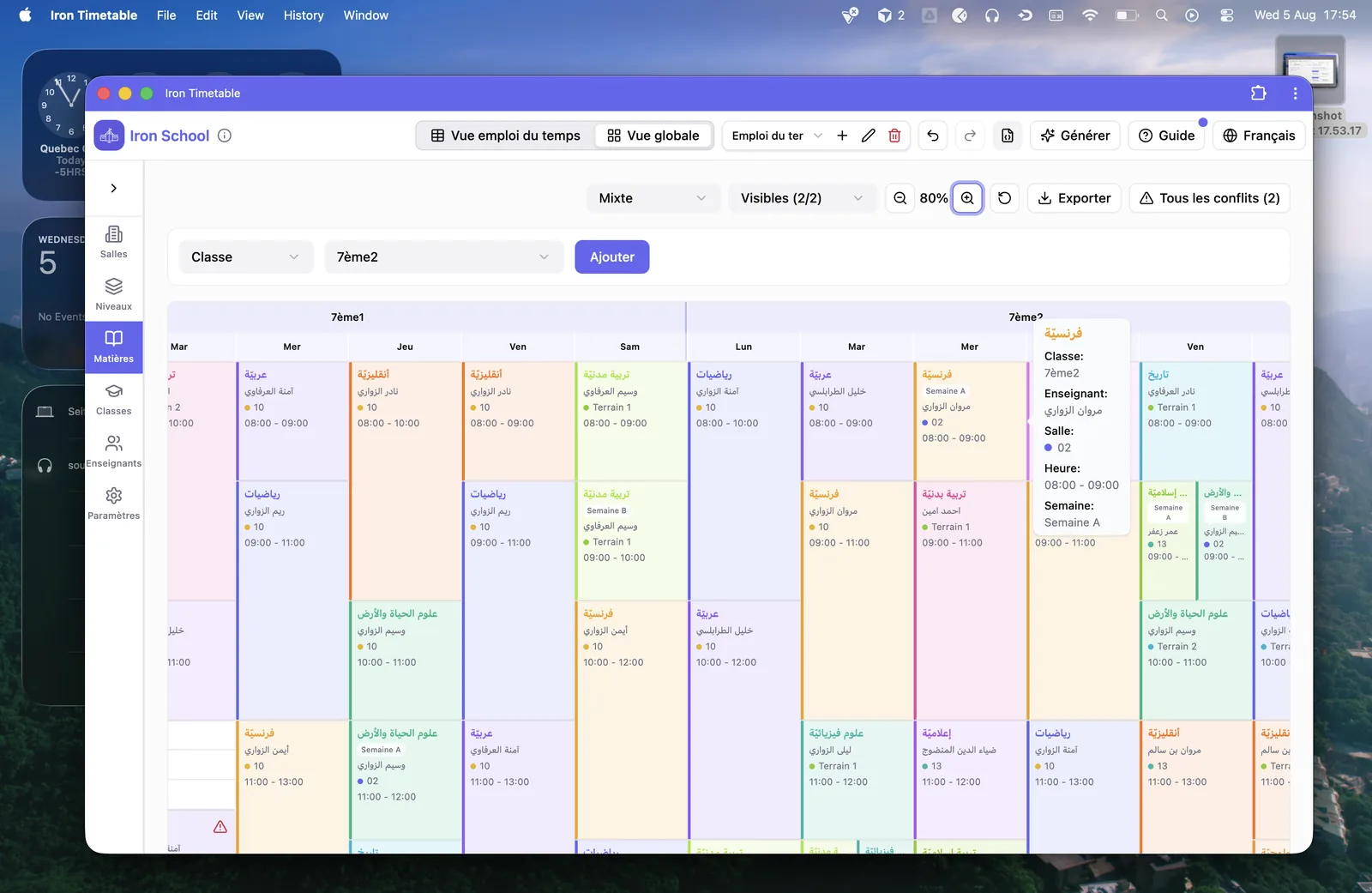
Multi Views & Export
Review the same week by class, teacher, or room, compare several timetables side by side, then export PDF or JSON backups.
- Class, teacher, and room timetable views
- Global overview for side-by-side comparison
- PDF export in color or black and white
- JSON export and import for backup and transfer
Two ways to use Timetable
Begin with the free offline planner today. Add Iron School later if you want cloud sync and full school management.
Offline local
Full timetable builder in your browser. Projects stay on this device, work offline, and need no account.
- Complete free access — no trial limits
- Generate, edit, and export PDF/JSON
- Private local storage on your device
- Start instantly — no signup
Iron School platform
Already on Iron School? Use cloud timetable with your school data, sync, and the rest of the platform.
- Cloud-based timetable linked to your school
- Works with Iron School classes and teachers
- Sync planning with your school workspace
- Part of the full Iron School suite